
2026年11月29日小于 1 分钟
http://memcached.org/downloads
wget -c http://memcached.org/latest \

mv latest memcached-1.6.45.tar.gz
下载不下来,直接手动下载上传
tar -zxvf memcached-1.6.45.tar.gz && mv memcached-1.6.45 /usr/local/memcached && cd /usr/local/memcached./configure --prefix=/usr/local/memcachedmake && make install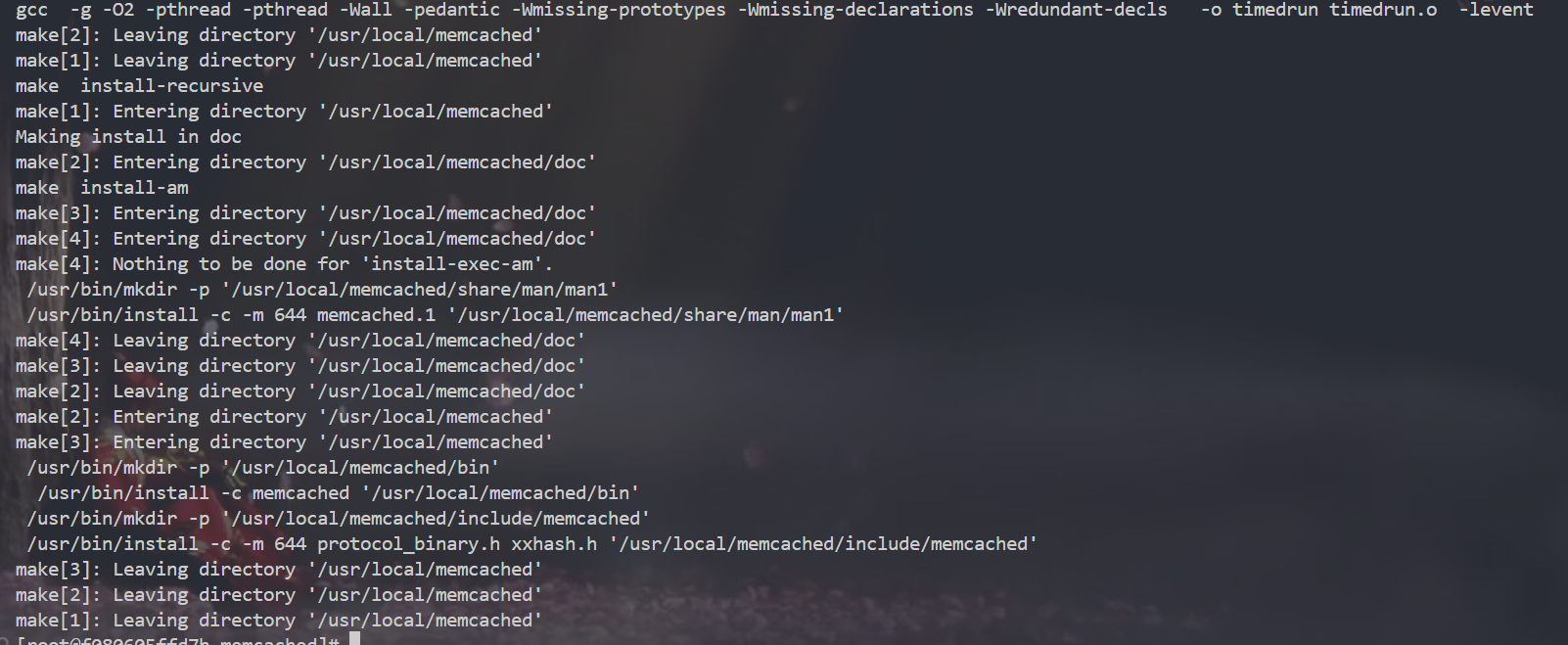
useradd memcached开启后台运行
/usr/local/memcached/bin/memcached -u memcached &检查
netstat -tlun|grep :11211写入自启动
提示
注意查该文件的注释
vim /etc/rc.local改完以后如下:
#!/bin/bash
# THIS FILE IS ADDED FOR COMPATIBILITY PURPOSES
#
# It is highly advisable to create own systemd services or udev rules
# to run scripts during boot instead of using this file.
#
# In contrast to previous versions due to parallel execution during boot
# this script will NOT be run after all other services.
#
# Please note that you must run 'chmod +x /etc/rc.d/rc.local' to ensure
# that this script will be executed during boot.

touch /var/lock/subsys/local

/usr/local/memcached/bin/memcached  -u memcached &
chmod +x /etc/rc.d/rc.local